
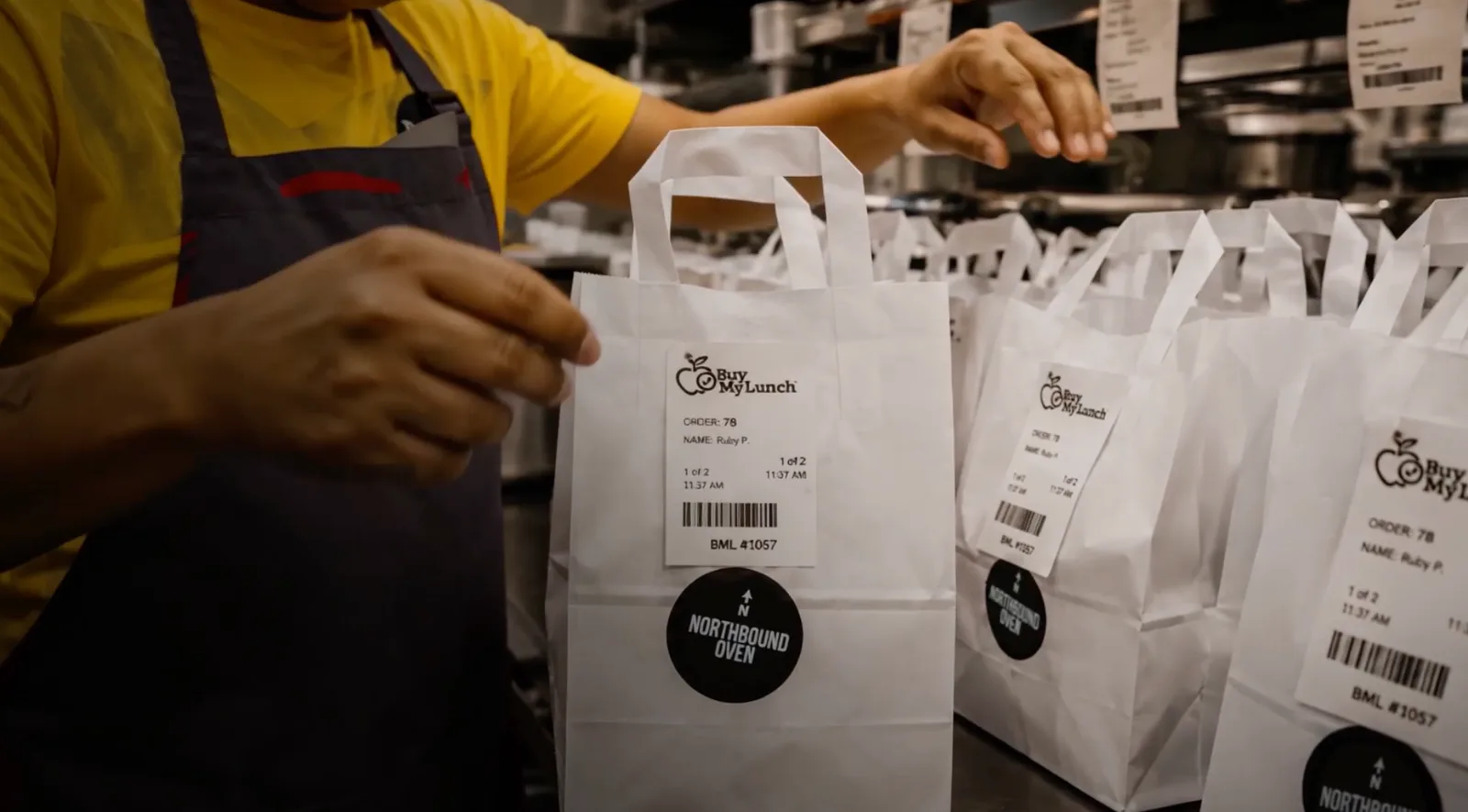
A school lunch ordering system can look impressive in a demo and still fall apart at 11:43 am.
That is the test. Not whether the menu looks nice. Not whether a parent can click a button. Not whether a report exists somewhere in the admin panel. The real test is whether the system can move lunch from parent choice to restaurant prep to school handoff without making the front office solve a daily puzzle.
Schools do not need another platform that creates another place to check. They need one operating source that keeps orders, cutoffs, rosters, labels, payments, delivery, and parent communication connected.
If you are comparing school lunch ordering systems, start there. Features matter. But the job is not ordering. The job is lunch that lands in the right hands, at the right time, with fewer questions from parents, teachers, restaurants, and hungry kids.
What is a school lunch ordering system?
A school lunch ordering system is the platform schools use to manage meal selection before lunch happens. Families choose meals, place orders, and usually handle payment or account credits through the system. Schools use it to see counts, organize students, communicate deadlines, and understand what is arriving each day.
But that simple definition misses the hard part. A useful lunch system has to connect the family side of the experience with the operational side of the school day. If parents order in one place but the school still sorts from a spreadsheet, the system is only doing half the job.
The difference between a basic ordering tool and a serious lunch operating system is what happens after checkout. Does the restaurant know what to make? Does the school know what is coming? Are meals labeled in a way the lunchroom can use? Can a missed order become a credit without three people hunting through emails?
Ordering alone does not fix lunch chaos
Online ordering is useful. It removes paper forms, loose cash, mystery checks, and the charming little backpack notes that arrive with applesauce on them. It also gives families a cleaner way to plan ahead.
Pre-ordering has been studied in school meal settings because it changes when students and families make lunch decisions. One study explored how students used online pre-order systems to select meals in advance. The pre-ordering research focused on school meals broadly, but the operational idea matters here too: deciding before the lunch rush creates a planning window.
Still, ordering is only the front door. Lunch still needs a cutoff, a count, a roster, a label, a kitchen workflow, a delivery contact, a handoff location, and a way to solve problems. If the ordering system does not support those pieces, the school has simply moved the chaos from paper to a screen.
Definitions schools should settle early
What is an ordering cutoff?
An ordering cutoff is the deadline that locks orders for a delivery day. The cutoff protects the kitchen from guessing, gives the school a dependable count, and gives families a clear expectation.
What is a roster structure?
Roster structure is the way orders connect to the students, staff, grades, homerooms, teachers, and filters a school uses to distribute lunch. A roster should match how lunch is actually handed off, not just how a spreadsheet exports.
What is a Buyer ID?
A Buyer ID is a student-linked identifier that connects a meal to the right recipient. It gives restaurants and schools a cleaner labeling reference than student-name guessing alone.
What is a lunch handoff?
A lunch handoff is the moment meals move from delivery into the school day. It includes receiving meals, confirming counts, sorting orders, and getting food to students without turning the front desk into a command center.
Feature 1: Parent ordering that feels obvious
Parents should not need a training session to order lunch. They need a clean calendar, clear menu choices, obvious student selection, and a checkout flow that does not make them wonder whether the order actually went through.
A good system also makes future orders easy. Families should be able to look ahead, order for multiple days, and see what has already been purchased. That matters because parents are not usually placing lunch orders during a calm, candlelit planning session. They are doing it between work, practice, homework, and someone yelling that they cannot find a shoe.
Feature 2: Cutoffs that protect the operation
The cutoff is one of the most important features in any school lunch ordering system. If parents can order too late, the kitchen has to scramble. If cutoffs change without warning, families get annoyed. If the school cannot explain the cutoff clearly, the front office becomes customer support.
Look for a system that lets the school set clear deadlines by day, restaurant, or menu cycle. The system should communicate the cutoff before families miss it, not after. It should also make tomorrow's locked orders easy for restaurants and schools to understand.
Feature 3: Menu flexibility without menu chaos
Menus need structure. A school may want variety, but too much variety can become operational noise if the system cannot keep days, restaurants, items, modifiers, prices, and availability organized.
The right lunch ordering system should make menu rotation easy. Student favorites matter, but repeat participation depends on keeping lunch interesting without making the kitchen or handoff table impossible to read. A practical menu can include comfort foods, lighter choices, protein-forward meals, and dietary options without turning every lunch day into a scavenger hunt.
Feature 4: Roster filters that match the school day
Roster data is not background admin work. It is the map that connects orders to the school handoff. A useful system should support the way your school actually distributes meals: grade, homeroom, teacher, advisory, staff, campus, or any other filter that matters during handoff.
Schools should also ask how roster updates happen. New students, class changes, staff orders, and grade updates should not require a messy workaround. If the roster is wrong, the labels are wrong. If the labels are wrong, the handoff slows down.
Feature 5: Labels built for the lunchroom
Labels should translate kitchen orders into school reality. Restaurants need to know what to prepare. Schools need to know who gets what. Parents need confidence that the right meal reaches the right student.
Good labels should make it easy to sort meals by student, Buyer ID, grade, homeroom, teacher, and order detail. They should also avoid exposing more student information than the handoff requires.
Allergy and ingredient visibility deserve special care. The FDA explains that food labels must identify the food source of major allergens used in packaged foods. FDA food allergy guidance is broader than school lunch ordering, but the principle is simple: labels are part of trust. A school lunch system should give teams a process for treating them that way.
Feature 6: Delivery and handoff visibility
Schools need to know what is coming before it arrives. A daily count gives the delivery contact a baseline. Delivery status shows the school whether lunch is on the way. Handoff confirmation closes the loop after meals arrive.
Without visibility, the front office becomes a guessing station. With visibility, the school can prepare the table, alert the right staff, and spot missing items faster. That does not make lunch glamorous. It makes lunch manageable.
Feature 7: Credits, cancellations, and problem paths
A school lunch ordering system should assume mistakes will happen. Someone will order for the wrong day. A student will be absent. A bag will be missing. A delivery will hit traffic. The question is not whether the system can pretend everything is perfect. The question is whether it gives problems a path.
Look for clear cancellation rules, credit handling, order records, and support workflows. Credits should connect to the order. Missed meals should not become an email archaeology project. Parents should know what happens next without calling three different people.
Feature 8: Reporting for program review
Reporting is not just for totals. Schools need to see patterns. Which days get the most orders? Which restaurants fit the volume? Which grades need a better sorting setup? Which parent questions repeat every week?
A useful report gives the school patterns to review for the next week. If Wednesday is always slow, the report should point to why. If one menu item creates confusion, the system should make that visible too. The point is not data for decoration. The point is clearer operating signals.
Questions to ask before choosing a system
Before choosing a school lunch ordering system, ask operational questions. A demo can make almost anything look organized. Launch week is less polite.
- Can parents order ahead for multiple days?
- Can cutoffs be set clearly and communicated automatically?
- Can menus rotate by day, restaurant, grade, or availability?
- Can the roster support the way our school actually sorts lunch?
- Can labels include the details our handoff team needs?
- Can restaurants see accurate daily counts before prep?
- Can the school see delivery status and confirm handoff?
- How are cancellations, credits, missed meals, and parent questions handled?
- What happens during the first week if something needs to change?
If a platform cannot answer those questions clearly, it may still be an ordering tool. It is not yet a lunch operations system.
Red flags in a school lunch ordering system
Some warning signs show up quickly. The biggest one is a system that treats lunch as a menu problem instead of an operations problem. Menus are visible, so they get attention. Operations are quieter, so they get ignored until something breaks.
- The system accepts orders but does not make handoff cleaner.
- Cutoffs are hard to explain or easy to miss.
- Roster filters do not match how the school distributes meals.
- Labels are built for the kitchen, not the lunchroom.
- Restaurant counts require manual cleanup.
- Parents do not get clear confirmation or reminders.
- Credits and cancellations live outside the order record.
None of those issues look dramatic on day one. They become dramatic after the third week, when everyone is tired of solving the same little problem again.
Where Buy My Lunch fits
Buy My Lunch is built for the three-sided reality of school lunch:families order, restaurants prepare, and schools hand off. The app gives parents a simple place to choose meals, gives restaurants scheduled orders and counts, and gives schools the structure they need to keep lunch moving.
For a shorter school-facing overview, see how Buy My Lunch works as an online lunch ordering system for schools, or compare it as school lunch platform.
That matters because restaurant-made lunch is not the same as a cafeteria line. It needs ordering ahead, menu rotation, packaging, labels, delivery visibility, and school-day handoff. The goal is not more tools to check. The goal is fewer moments where a school staff member has to become a lunch detective.
If your school is comparing lunch ordering options, start with the handoff. If the system can make that moment calmer, the rest of the program has a much better chance of working.
Key takeaways
- A school lunch ordering system should manage more than menus and payments.
- Useful systems create one source of truth for parents, schools, and food partners.
- Ordering cutoffs protect kitchens, schools, and families from last-minute confusion.
- Roster structure, labels, Buyer IDs, and delivery visibility are what make the lunchroom handoff work.
- Schools should evaluate any platform by what happens on launch day, not only what happens on a demo screen.
Frequently asked questions
What is a school lunch ordering system?
A school lunch ordering system lets families choose meals, place orders, manage payments, and connect those orders to school rosters, restaurant preparation, delivery, labels, and handoff. Useful systems account for the full lunch operation, not just the checkout screen.
What features should a school lunch ordering system include?
A useful school lunch ordering system should include parent ordering, menu management, order cutoffs, roster filters, student identifiers, labels, payment or credit handling, delivery visibility, reporting, and a clear process for cancellations or missed meals.
Why do ordering cutoffs matter?
Ordering cutoffs give restaurants time to prepare accurate counts, give schools time to know what is arriving, and give families a clear deadline. Without a cutoff, the kitchen has to guess and the school inherits the confusion.
How do rosters help school lunch ordering?
Rosters connect orders to the real school day. Grade, homeroom, teacher, staff, and student identifier details help schools sort meals quickly and hand them to the right people.
Can a school lunch ordering platform work with local restaurants?
Yes, but the platform needs to support restaurant prep, daily counts, packaging expectations, labels, delivery status, and school handoff. A restaurant lunch program has different operational needs than a cafeteria-only system.
How should a school evaluate a lunch ordering system?
Schools should ask how the system handles order deadlines, roster changes, labels, allergen visibility, parent reminders, delivery contacts, missed meals, credits, reporting, and first-week launch support.
Related posts
 School Lunch OperationsSchool Lunch Menu Template for a Real School Day
A practical school lunch menu template that helps schools and restaurant partners plan clear choices, ordering cutoffs, prep, delivery, and a reliable handoff.
 School Lunch OperationsCan You Get Food Delivered to School?
A practical guide for families and schools on when food delivery is allowed, what to check first, and how an approved lunch program keeps the handoff organized.
 School Lunch OperationsMeal Packaging for School Lunch Programs: What Needs to Work
How to choose meal packaging for a school lunch program, covering food protection, labels, bagging, delivery, school handoff, and real-world testing.
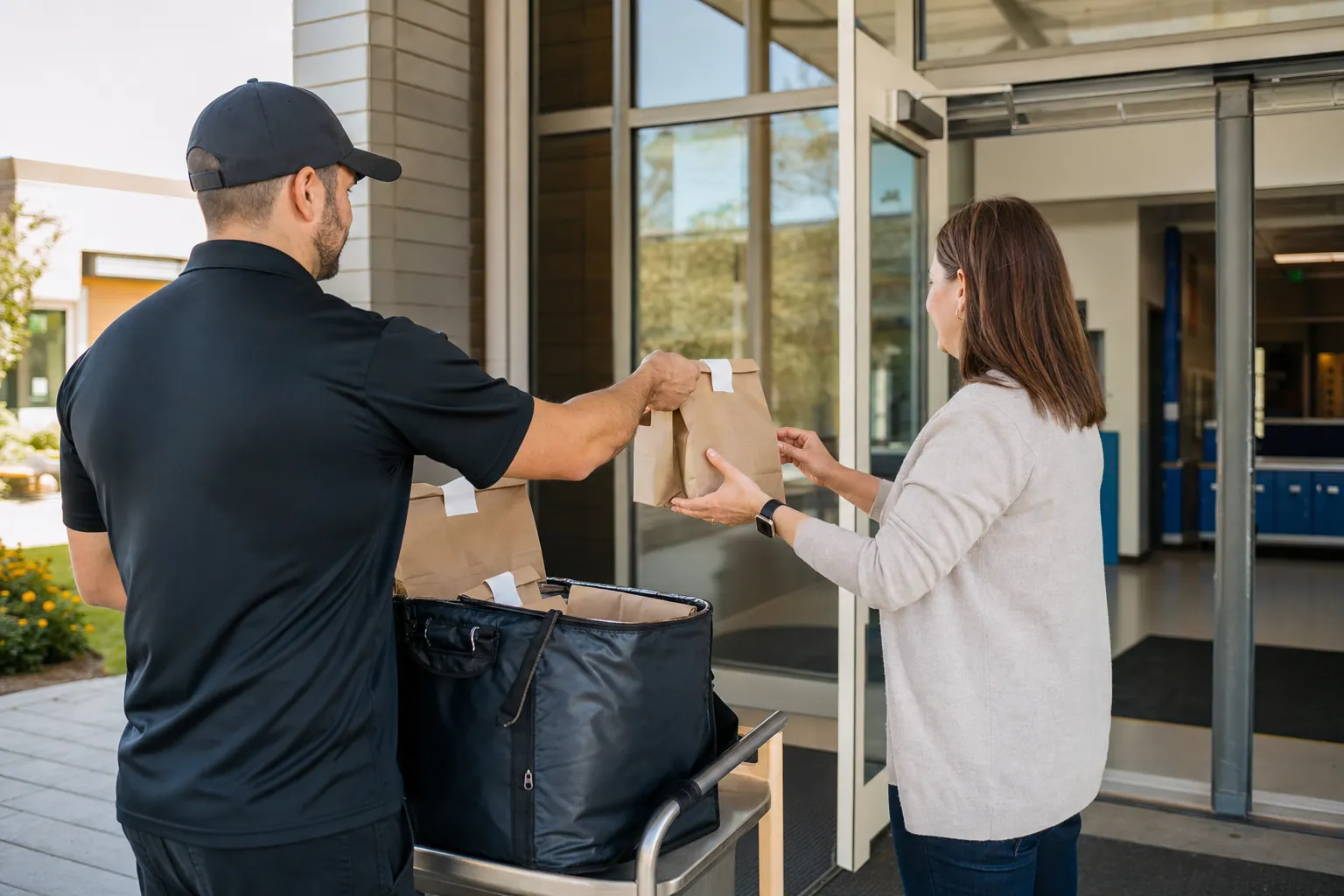 School Lunch OperationsHow School Lunch Delivery Works: A Practical Guide
A practical guide to school lunch delivery, from parent orders and restaurant prep through route timing, labels, school handoff, and launch-week review.
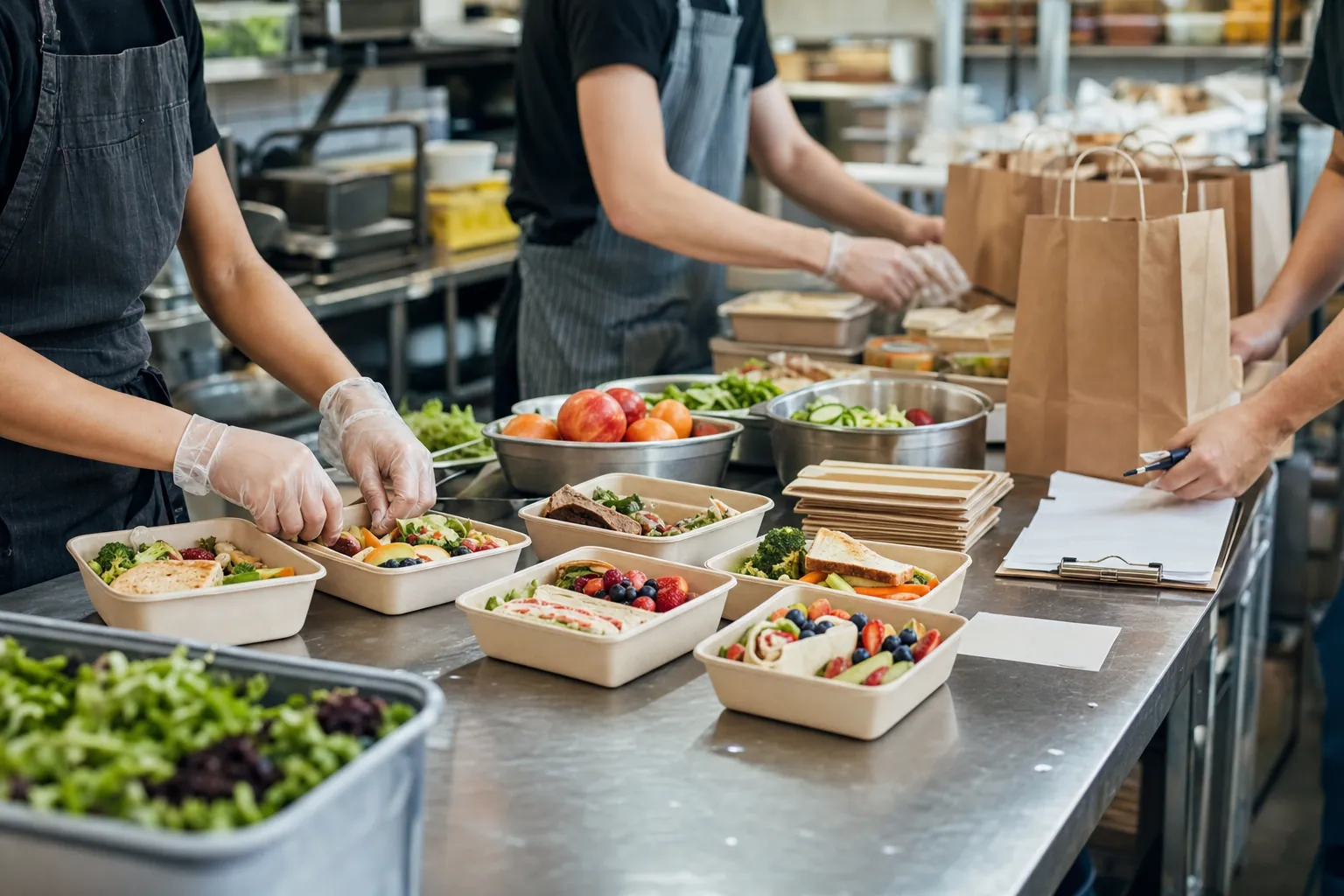 School Lunch OperationsSchool Lunch Menu Ideas That Work on a Real School Day
A practical guide to school lunch menu ideas that balance student appeal, restaurant prep, family ordering, delivery, and a realistic school-day handoff.
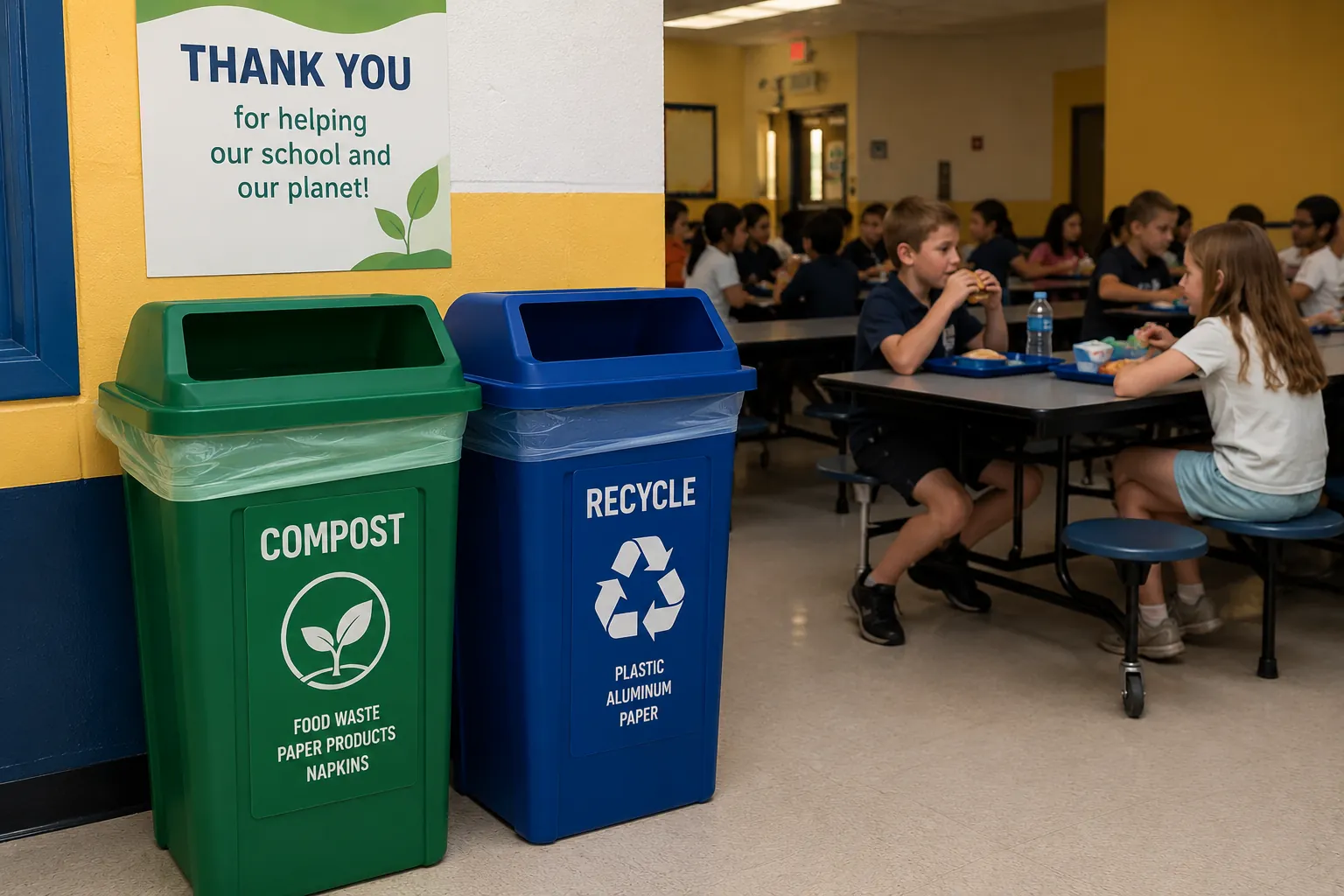 School Lunch OperationsCompostable Food Containers for School Lunch
A practical school-lunch guide to compostable food containers, certification, local acceptance, sorting, and the questions to answer before switching.
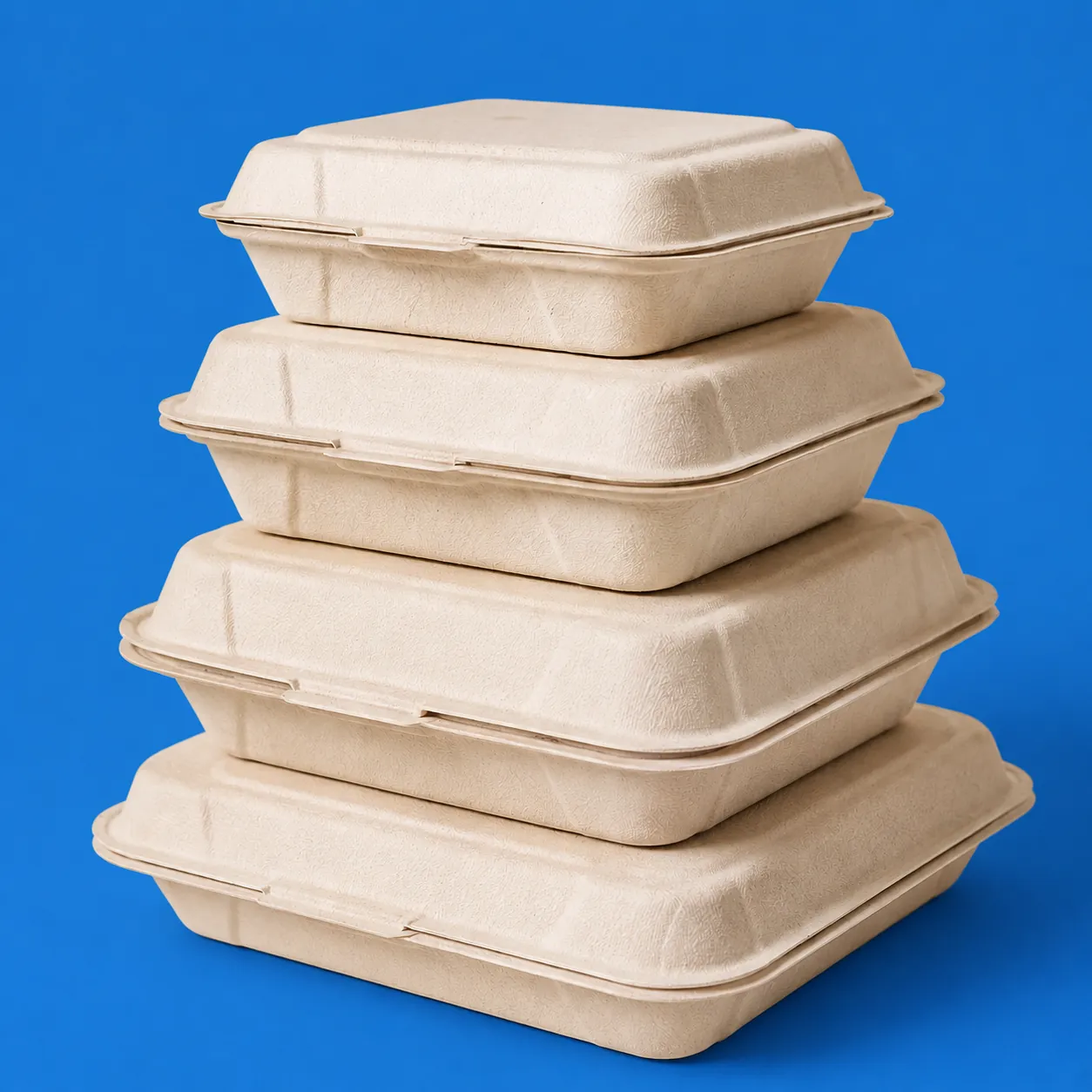 School Lunch OperationsCompostable Clamshell Containers: A School Lunch Checklist
How restaurant partners can evaluate compostable clamshell containers for heat, portions, labels, delivery, student handling, and local disposal rules.
 School Lunch OperationsSchool Lunch Companies: How to Compare Options
A practical guide to comparing school lunch companies, food service providers, caterers, restaurant programs, ordering systems, and daily handoff support.
 School Lunch OperationsBack-to-School Lunch Program Checklist
A practical administrator checklist for setting up ordering, rosters, cutoffs, labels, delivery, and parent communication before lunch starts.
 School Lunch OperationsSchool Lunch Debt: What It Is and How Schools Can Respond
School lunch debt is unpaid meal charges. Learn why it happens, how it affects schools, and practical ways to reduce payment friction.
 School Lunch OperationsHow Does the National School Lunch Program Work?
A practical guide to how the National School Lunch Program works, who pays, what schools manage, and where private lunch options fit.
 School Lunch OperationsHow Much Does Private School Lunch Cost?
Private school lunch costs have no single standard price. Compare cafeteria, caterer, tuition-included, and parent-paid models by meal price, staff time, and daily workload.
 School Lunch OperationsFood Waste in Schools: A Practical Lunchroom Guide
How schools can think about food waste, ordering, share tables, composting, packaging, and restaurant-prepared lunch without creating more lunchroom chaos.
 School Lunch OperationsHow to Run a School Lunch Program Without the Chaos
A practical operating guide for schools that want lunch to move cleaner, faster, and with fewer daily surprises.