
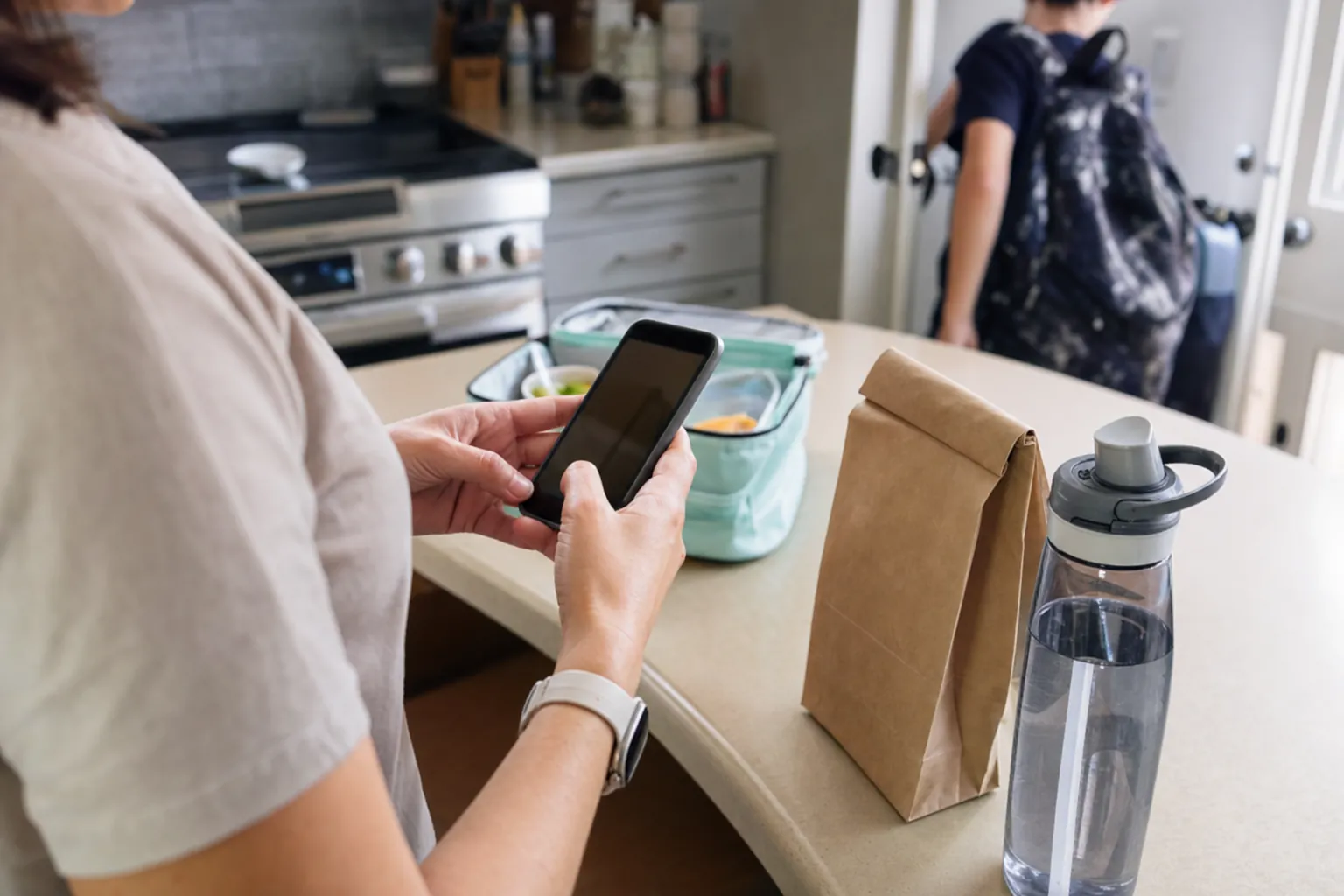
Ordering school lunch online should feel like a two-minute task. Then the menu link is buried in an old email, the deadline was yesterday, the restaurant name is unfamiliar, and suddenly lunch has become a small administrative puzzle before coffee.
The fix is not to download every food app on your phone. School lunch is usually tied to one school's schedule, menu dates, delivery routine, and ordering rules. A meal that works for a Saturday takeout order can be a terrible fit for a Tuesday lunch period if the school has not planned for it.
This guide explains the usual path for parents using a school-approved restaurant lunch option. Details differ by school, but the same basic moves apply: find the right program, check the deadline, confirm the student details, save the order, and know where to ask for help when something changes.
Key takeaways
- School lunch ordering is usually school-specific, so the right starting point is the school's current family information or approved ordering link.
- Check the cutoff before choosing a meal. Restaurant-prepared programs often need orders before lunch day so partners can prep from real counts.
- Confirm the student name, grade, lunch date, meal choice, and any school-required details before submitting payment.
- Keep the confirmation until lunch day, then use the school or program support path if an order needs attention.
- Buy My Lunch connects family orders to school-specific menus, restaurant preparation, delivery details, and the school handoff at participating schools.
1. Start with the school, not a random food app
The school is the source of truth. Check the family newsletter, parent portal, school website, office communication, or the message that introduced the lunch program. You are looking for the approved ordering page and the basic rules around which days it serves.
This matters because schools do not all handle lunch the same way. Some use a cafeteria, some have a parent-paid program on certain days, and some work with restaurant partners through a structured delivery and handoff. The USDA's school meals overview also makes the distinction clear: federal school meal programs are administered through participating schools and local agencies. A school-approved restaurant lunch option is its own local process.
Do not assume a standard restaurant delivery can be dropped at the front office. Read the school's delivery policy first, or use the approved option when your school has one. Our guide to getting food delivered to school explains why an unplanned bag and an organized lunch program are very different things.
What to have ready before you start
Most first orders go faster when you have the basic information in front of you. That means your child's full name, the date they need lunch, the school or classroom details the program asks for, and a payment method if the option is parent-paid. If the school has shared a separate menu or ordering code, keep that open too.
Do not guess at the student details. A lunch program may serve hundreds of children across different lunch periods, so the information used to identify an order needs to match the school's records. If you are unsure whether to use a nickname, grade, or homeroom, follow the wording on the ordering page or ask the school. A quick check before checkout is easier than asking staff to trace an order during lunch.
It is also worth deciding who will place regular orders in your household. When two adults both assume the other one did it, a lunch plan turns into a very polite version of chaos. One person can order, or you can agree on a shared calendar reminder. Either way, use one simple routine rather than relying on memory.
2. Find the menu, the lunch date, and the cutoff
Once you have the right ordering page, look at the calendar before you look at the food. Confirm the date your child needs lunch, then check when orders close. The cutoff is not there to make family life harder. It gives the restaurant a usable meal count and gives the school a clear delivery plan.
Cutoffs vary. Some programs close a day or two before lunch day. Others set a weekly deadline. The important part is that the deadline belongs to that school and that meal, not to a universal rule. Add it to your calendar if lunch is a regular part of your week. That one small habit beats trying to remember at 10:47 p.m. when the program has already closed.

If the menu shows more than one restaurant or meal format, start with the choices your child will actually want to eat. Then check the item details, portion, included sides, and ingredient information the program provides. A realistic order is better than an adventurous one that comes home untouched.
3. Confirm the student details before you pay
This is the least exciting part of ordering and the part that prevents most avoidable mix-ups. Before submitting, pause for ten seconds and check the student's name, grade or homeroom if the program asks for it, lunch date, meal choice, quantity, and any notes the school has requested.
The school may use those details to match an individual meal to a student or to organize the lunch handoff. Put in the information the program asks for, but do not turn the notes field into a novel. For ingredient questions or a documented medical need, follow the school's stated process instead of relying on a last-minute comment. Meal accommodations have a specific process, not a magic instruction box, so the school needs the right information early enough to handle the request properly.
If your child has never used the program before, it is worth confirming how pickup or classroom delivery works. A good program makes the path clear, but a quick conversation with the school can remove uncertainty on the first lunch day.
4. Save the confirmation and make changes early
After you order, keep the confirmation. It can be an email, a screen, or a note in the ordering account. You do not need to print it and staple it to a backpack. You do need enough information to find the order if you have a question later.
If a family schedule changes, check the ordering page or school communication as soon as possible. Do not wait until the lunch period. Once the restaurant has received the count, ingredients may be prepped and meals may be packed. Some programs can make a change before the cutoff, while others cannot. That is normal, not a sign someone is ignoring your message.
The same applies to missed cutoffs. First, see whether the ordering page allows a late order. If it does not, use your school's normal lunch plan for that day and put the next deadline on the calendar. Trying to solve it with a surprise delivery creates exactly the handoff problem the lunch program is designed to avoid.

A simple first-order checklist
Before you close the browser, run through this short list once:
- Is this the right school and the right lunch date?
- Did you choose a meal your child is likely to eat?
- Does the student name match the school's records?
- Did you read the posted cutoff and change policy?
- Did the order confirmation arrive?
That is not glamorous, but it covers the points that matter. The most useful lunch programs remove the paperwork, not the need for a parent to confirm the order is for the right person on the right day. Treat the confirmation like a boarding pass. You probably will not need it, but you will be glad you can find it if the schedule changes.
5. Know what happens after you click order
A good school lunch order does not disappear into the internet. It becomes a count that a restaurant partner can prepare against. Meals are packed, organized for the school, delivered through the agreed route, and handed to the staff contact or distribution point the school has planned.
That is why ordering ahead matters. The program is connecting a family choice to a real meal at a particular school on a particular day. The behind-the-scenes work includes the menu cutoff, prep count, individual meal information, delivery timing, and school handoff. Our school lunch delivery guide walks through the operations side in more detail.

If you cannot find an online lunch option
It may simply mean the school does not use online ordering, does not offer a restaurant lunch program on that date, or has not opened orders yet. Start with the school office or the current family communication rather than searching for a restaurant that happens to be nearby. The right answer is tied to the school's routine, not the closest delivery driver.
If your school would benefit from a more organized option, share the question with the person who coordinates family programs or lunch. School teams can review Buy My Lunch's lunch program overview to see how school-specific menus, parent ordering, restaurant preparation, delivery coordination, and the school handoff can fit together. That is a school decision, but it often starts with a parent noticing that the current process is doing too much work by hand.
6. Use the right support path when something is off
A late order, missing meal, payment question, or menu concern can feel urgent when lunch is involved. Start with the contact path the program gives you. That might be the ordering account, a school office contact, or the lunch program support team. Include the student's name, lunch date, order confirmation when you have it, and a plain description of the issue.
Be specific enough for someone to find the order quickly. "Lunch problem" is not much to work with. "Order for Jordan Lee, Tuesday, pasta meal, confirmation 1234" gets the right person moving faster. The program can then check what was ordered, what was delivered, and what its posted policy allows next.
How Buy My Lunch helps families order ahead
Buy My Lunch works with participating schools and restaurant partners to put the lunch plan in one place. Families can see the school-specific options available to them and order ahead. The restaurant receives an organized count, and the school has an agreed delivery and handoff plan instead of an office full of unplanned orders.
For a quick answer on accounts, order timing, credits, delivery, and missed lunches, visit the parent help page. School teams comparing the broader process can also review online lunch ordering for schools.
Frequently asked questions
How do I order school lunch online?
Start with the school-approved lunch information. Look for the ordering link, menu, lunch dates, cutoff time, and any instructions your school sends to families. Choose the date and meal, confirm your student's details, pay if required, and keep the confirmation until lunch day.
Why is the school lunch order cutoff before the lunch date?
A cutoff gives the restaurant and school time to work from real orders. It helps the restaurant prepare the right meals, gives the delivery team a clear count, and gives the school a workable handoff plan. The exact deadline is set by the program at that school.
Can I order lunch from any restaurant for my child at school?
Not necessarily. Schools set their own rules for outside food and deliveries. An approved school lunch program is different from sending an unplanned delivery to campus, so check the school's current policy and use its listed option when one is available.
What information do I need to order school lunch?
Most programs need the student's name, the selected lunch date, meal choice, and payment details. Some schools may also ask for grade, teacher, homeroom, allergy-related instructions, or other information used to match the order to the right student.
What should I do if I missed the school lunch cutoff?
Check the ordering page or school communication first. Some programs cannot accept late orders because meal counts have already gone to the restaurant. If the order cannot be changed, use the school's normal lunch plan for that day and place the next order before the posted cutoff.
How does Buy My Lunch help parents order lunch?
At participating schools, Buy My Lunch gives families access to school-specific restaurant meals through one ordering process. Parents can review the available options and order ahead, while restaurant partners prepare from the order count and the school receives meals through an arranged handoff.
Related posts
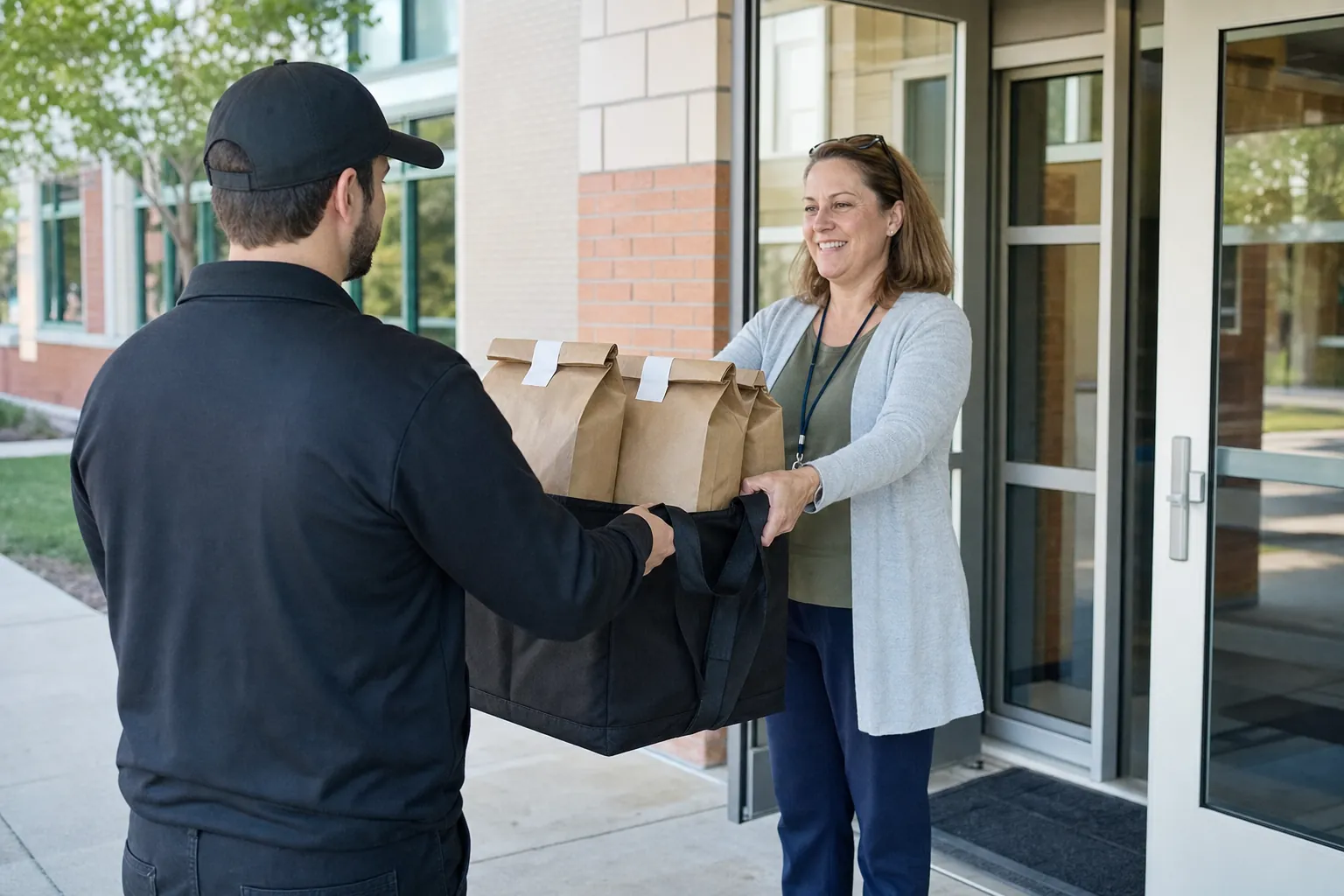 School Lunch OperationsCan You Get Food Delivered to School? What Parents Need to Check
Can food be delivered to school? Usually only when the school allows it. Check the policy questions parents should answer before ordering lunch.
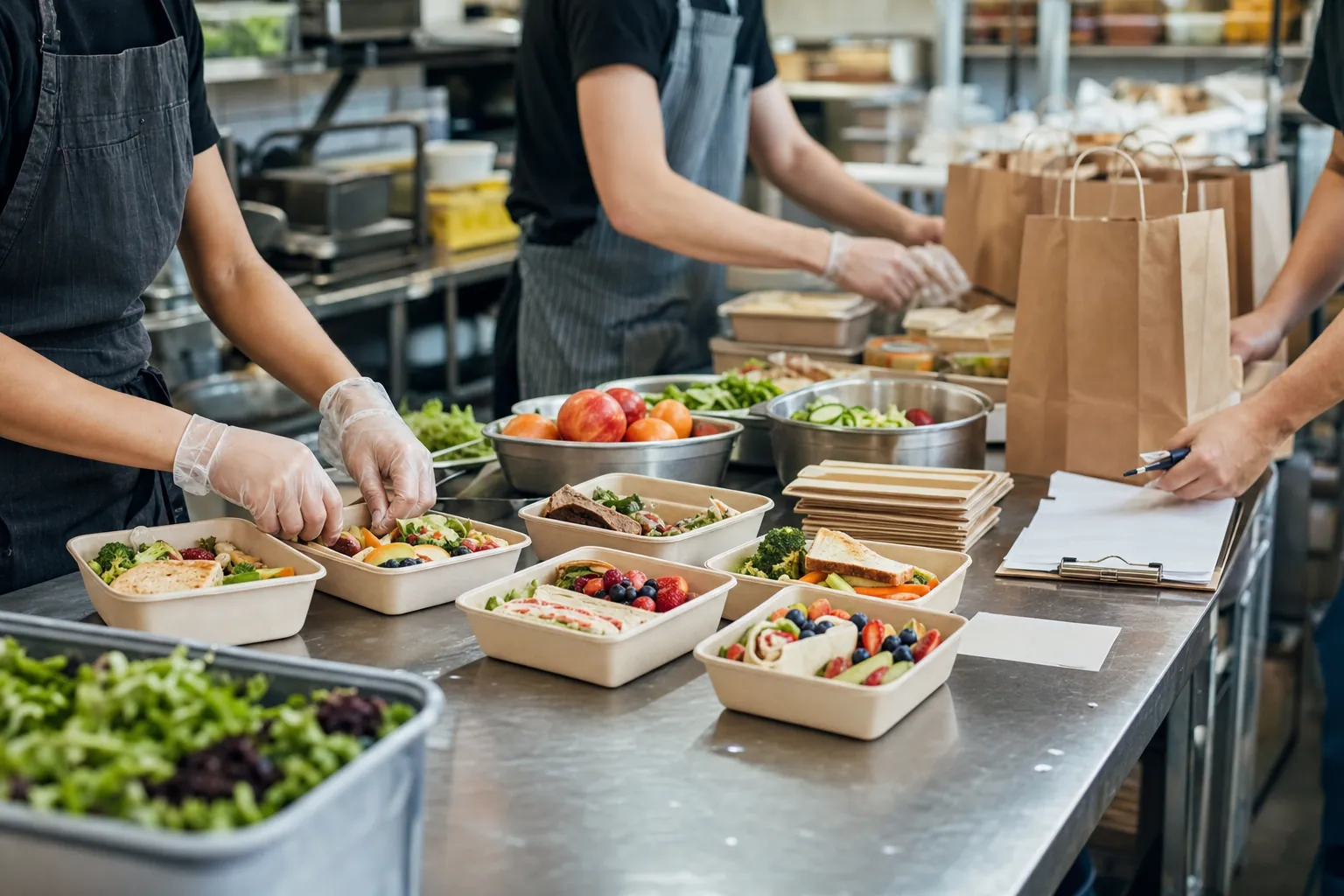 School Lunch OperationsSchool Lunch Menu Ideas That Work on a Real School Day
A practical guide to school lunch menu ideas that balance student appeal, restaurant prep, family ordering, delivery, and a realistic school-day handoff.
 Lunch IdeasSchool Lunch Ideas for Restaurant-Prepared Meals
Restaurant-prepared school lunch ideas that balance variety, nutrition, timing, and school delivery logistics.