A school lunch payment integration can sound like a back-office detail: add a payment button, collect the money, move on. That is not how lunch day experiences it. For a family, payment is the moment they decide whether the menu is clear enough to trust. For a restaurant, it is the point where a possible order becomes a prep count. For the school, it is where a food program can either stay orderly or acquire a new pile of exceptions.
The useful question is not, “Can families pay online?” Most platforms can do that. The useful question is whether the payment step stays connected to the meal, the child, the cutoff, the restaurant’s count, the delivery, and the school’s handoff. If those pieces are scattered across payment emails, shared spreadsheets, and a note at the front desk, the card transaction has worked but the lunch program has not.
This guide is for school teams evaluating a parent-paid, restaurant-prepared lunch workflow. Schools operating federal meal programs have their own requirements and should work with their nutrition and finance leaders on the rules that apply. The practical lesson still travels: decide how information moves before asking families to pay.
Key takeaways
- School lunch payment integration is not just a card form. It is the connection between a family’s order, the school’s rules, the restaurant’s prep count, and the lunch-day handoff.
- Families need a clear total, a visible cutoff, a straightforward way to find payment help, and an answer when an order changes or a student is absent.
- Schools should examine fees, refunds, credits, privacy practices, reporting, and the fee-free payment options that apply to their meal program before choosing a workflow.
- Restaurant partners need final, usable preparation counts and a reliable way to identify each meal. A payment record alone does not solve that part.
- Buy My Lunch brings school-specific menus, family orders, restaurant counts, delivery visibility, labels, and handoff steps into one school lunch workflow.
What payment integration means in a real lunch program
Integration is a plain-English promise: one confirmed order should create the right next action for each person. The family sees what was ordered and when it will be served. The restaurant gets the item and quantity it needs to make. The school knows which meals are expected and how they will be handed off. If a meal is not on the final list, it should not quietly turn up in a driver’s tote because one system was updated and another was not.
That makes a school lunch payment workflow different from a general school store. A field trip payment can be recorded and handled later. Lunch has a same-day deadline. The order affects food purchasing, kitchen capacity, labels, delivery timing, and a student waiting for a meal. The payment event needs to sit beside the order details, not in a separate ledger that somebody must interpret at 8:30 in the morning.
Start by drawing the path on one page: menu posted, family chooses, cutoff passes, restaurant receives the final count, meals are labeled, delivery arrives, and the school distributes. Then add the exception points: an absent student, a duplicate order, a payment that does not complete, a late menu change, or a family asking about a credit. Those are not edge cases. They are where a workflow earns its keep.
Give families a clear decision before checkout
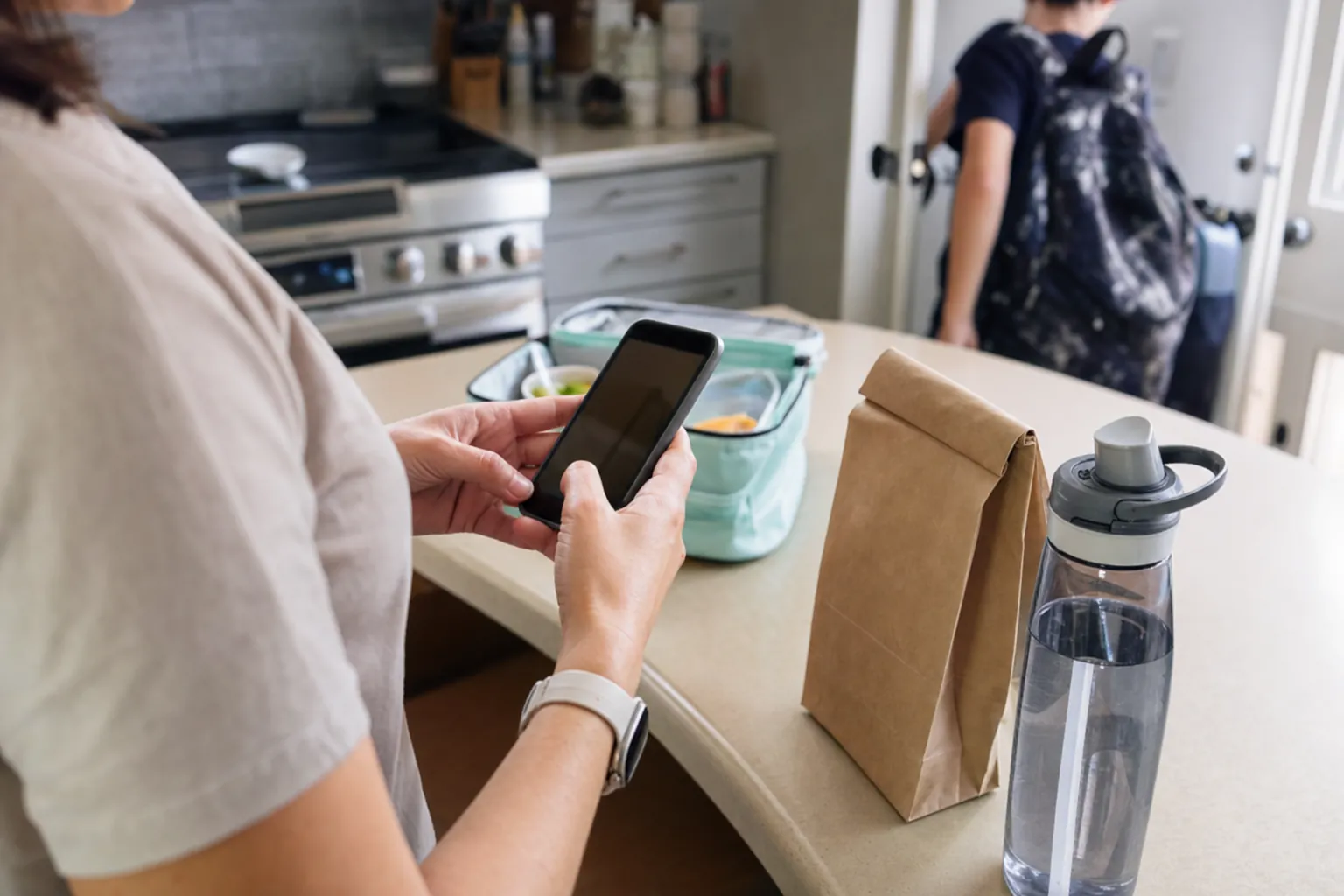
The family-facing view should answer the questions that determine whether someone can place an order without sending an email. What is being served? What does it cost? What is included? When does ordering close? Is there a payment fee? Where will the meal be distributed? Who should they contact when something changes? A lunch payment page that hides those answers until after the card number is entered is making the school office do customer support by scavenger hunt.
Keep the cutoff near the meal choice, not buried in a policy page. A parent making an order at night should not have to guess whether the restaurant can still receive it. The same applies to cancellation, credit, and refund rules. A short sentence near checkout is more useful than a long policy that turns up only after a missed deadline.
Families also need a clear support route. They should know whether to contact the school, the restaurant, or the lunch service when the issue is a missing order, a charge, a dietary question, or a delivery question. Different teams may own different answers, but the parent should not have to reverse-engineer the operating chart to find the right one.
Keep payment rules distinct from the meal plan
Not every lunch served at a school belongs to the same program. A school may have federally supported meals, a parent-paid restaurant lunch day, a free-meal option, and occasional events with different rules. A tidy payment screen can blur those distinctions if the school has not designed the choices carefully. That is why a team should first name exactly what the family is paying for, who provides the meal, and which school policy controls the order.
The federal National School Lunch Program is a specific meal program with its own requirements. The USDA’s school meal pattern chart illustrates how those requirements differ by grade group and meal component. A restaurant-prepared, parent-paid lunch option does not become part of that program because it shares a cafeteria or uses an online payment screen. The school should keep the explanation honest, simple, and visible.
For families, the distinction should not be a legal riddle. Use clear names on menus and receipts. Explain whether a payment covers a specific preordered restaurant meal or adds money to a student meal account. Explain whether an existing balance can be used, whether a free-meal benefit applies, and where families can ask a question before ordering. When the school’s policy needs more detail, link to it plainly rather than burying it behind vague language such as “standard lunch rules apply.”
For the operating team, this separation avoids accidental workarounds. Finance staff can see which records belong together. Restaurant partners receive only the order details they need. School staff can answer a family without guessing whether the question belongs to the cafeteria account, an outside lunch order, or a special event. Clear separation is not glamorous, but it prevents one of the most annoying kinds of lunch-day problem: a payment that exists somewhere, while nobody is sure what meal it was meant to buy.
Fees, balances, credits, and refunds are part of the decision
Digital payment can make ordering more convenient, but convenience is not the only cost a school should examine. The Consumer Financial Protection Bureau found that 87 percent of the large districts in its sample used payment processors for expenses including school lunch costs. Its review also found that transaction fees, payment methods, and information about free alternatives were not always easy for families to understand. Its school-payment research explains the family cost questions in detail.
For schools participating in federal meal programs, payment rules are not just a product-choice question. The CFPB notes that participating school food authorities must provide a fee-free avenue for meal payments and tell families about the available methods and associated fees. That does not mean every school lunch workflow works the same way. It does mean the school should review its current obligations, local policy, and family communication before selecting or configuring a payment experience.
Ask practical questions before launch. Is the payment total shown before the family confirms? Is any fee stated in a place a parent will actually see? Can a family find the fee-free option without calling the office? What happens to an unused balance? Who can approve a credit or refund? How does the system distinguish a payment for a restaurant-prepared lunch from a balance for another school meal program? The answers need to be settled in writing, not invented when the first parent emails.
Make the confirmed order useful to the restaurant and school
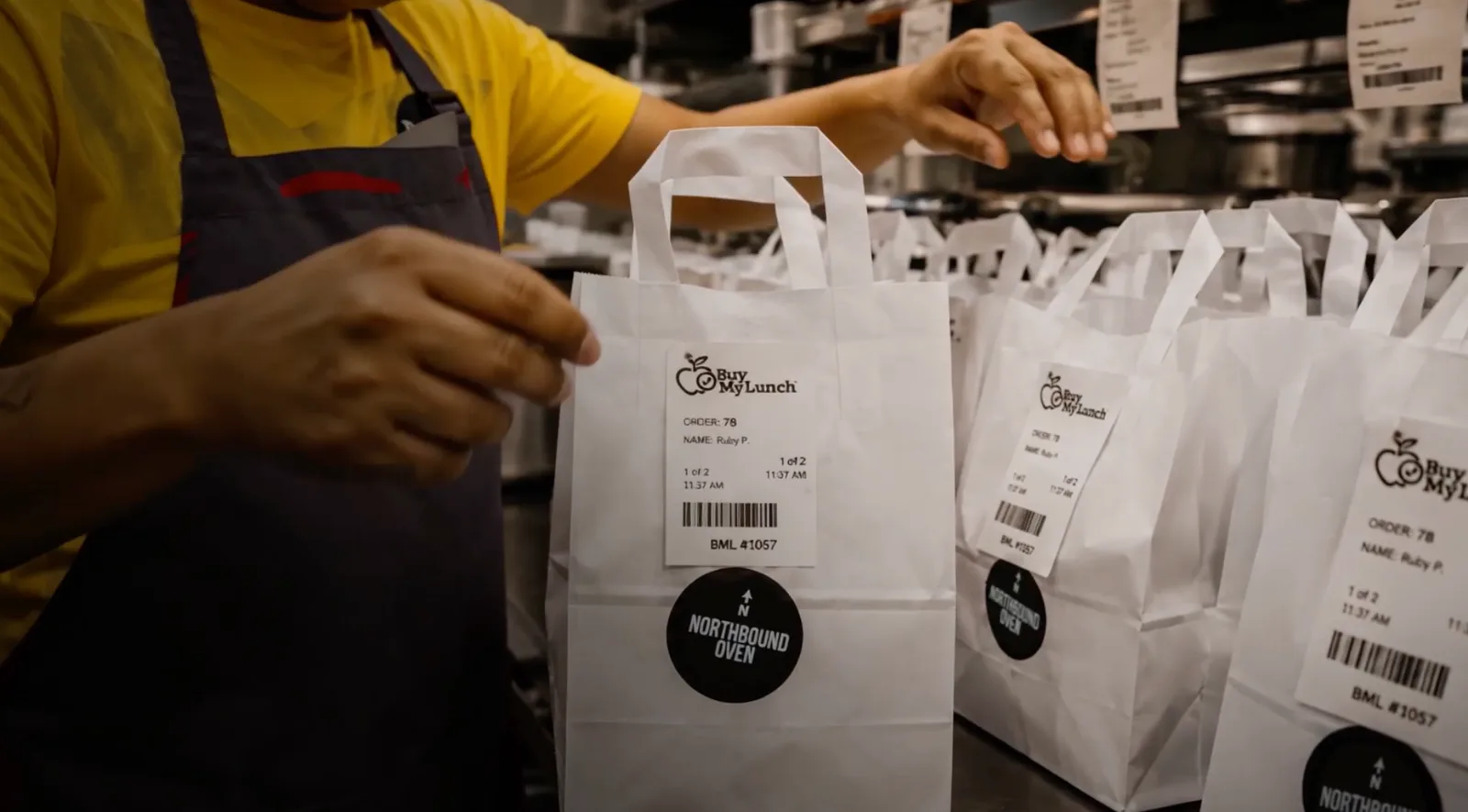
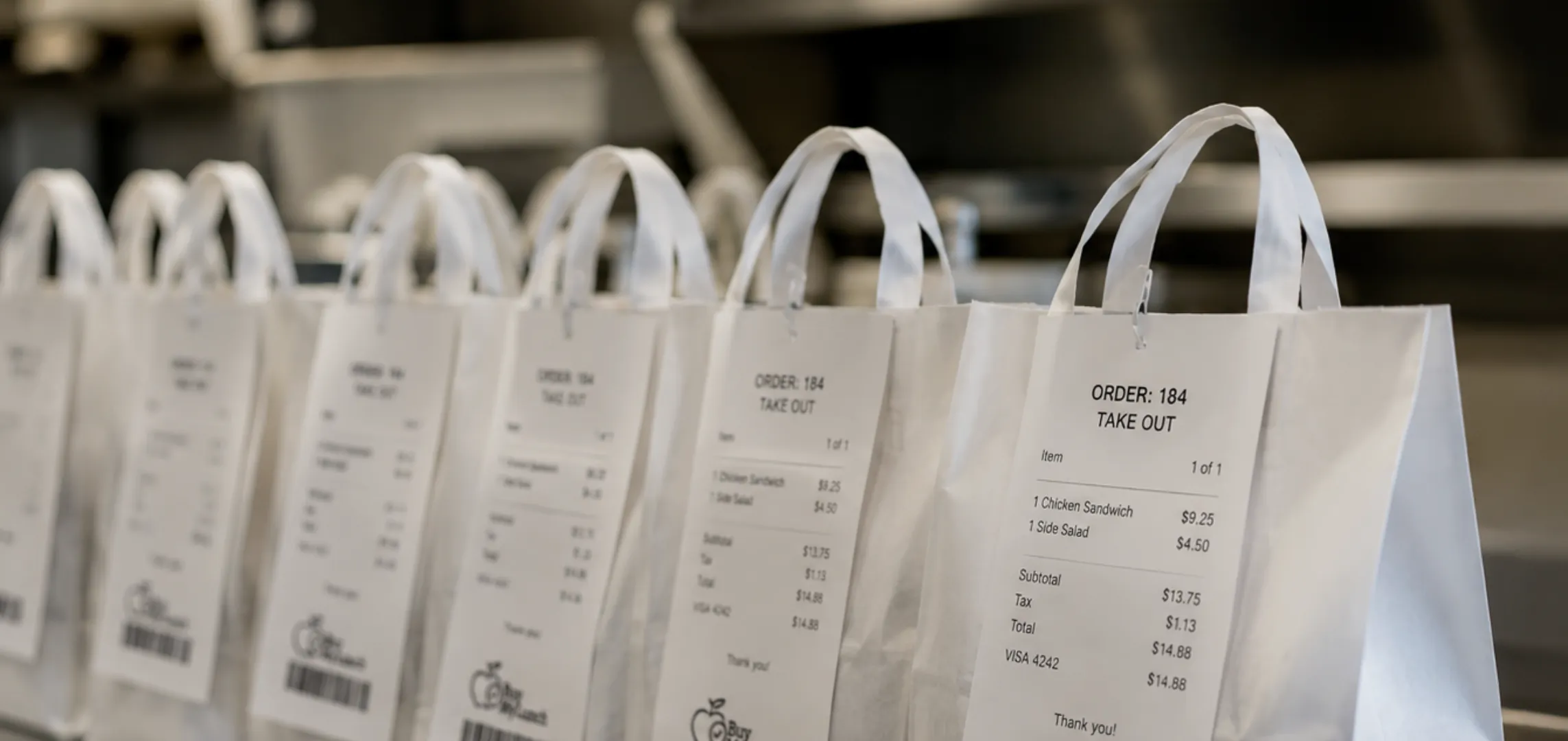
A successful card authorization is not a restaurant production list. The restaurant needs a final count by item, the date, its prep deadline, the school destination, a handoff contact, and only the identifiers it needs to label or group meals. The school needs an expected count and a handoff plan that fits its own privacy practices. Neither team benefits from a generic payment export that lists names without meals or meals without a reliable way to identify their student.
This is where a school-specific ordering system does more work than a generic payment link. The school lunch ordering system guide walks through the operational questions around cutoffs, rosters, labels, and final counts. Payment should reinforce those controls, not create a second version of them.
Build one source of truth for the final order. When the cutoff closes, decide what the restaurant receives, what the school sees, and who is allowed to change it. If an exception is approved, make sure it reaches every person who needs it. A team can manage a few changes by hand. It should not design a daily program around the hope that a hand-edited list will catch them all.
Decide who owns the answer before an order goes wrong
Payment and lunch support often get tangled because an issue can look like several things at once. A parent sees a charge but no confirmation. The restaurant sees a late order but does not know whether it was approved. The school sees an empty space on a roster and does not know whether the family stopped at checkout. A good workflow assigns the first answer, the escalation route, and the visible status for each of those moments.
Make a short ownership list. The school owns school policy, the serving location, and the parent communication it chooses to send. The restaurant owns meal details it can accurately provide, food preparation, packing, and delivery according to the agreed plan. The lunch service owns the ordering record, payment status, and the operational information it is designed to organize. Families need one obvious place to start, even when the final answer comes from a different team.
The same principle applies to data. Only collect and share the information needed for a person to do the next job. A restaurant needs the final meal count and school-approved label details, not a family’s payment history. A school needs an expected order list and a way to manage the handoff, not a restaurant’s internal accounting. Discuss access, retention, and family communication with the school’s own privacy and finance leaders before launch. That conversation is far less awkward before menus are live.
A school lunch payment integration checklist
Use these questions during selection or before launching a new school. They are deliberately operational. A polished checkout is nice, but lunch is still happening at a specific time in a real building.
- Menu and cutoff: Can a family see the meal, price, deadline, and school before paying?
- Order status: Does the family get a clear confirmation, and can staff see whether an order is actually complete?
- Fees and alternatives: Are charges and available payment methods communicated in a way families can find before checkout?
- Credits and refunds: Is there a documented rule for an absence, cancellation, duplicate order, or school closure?
- Restaurant preparation: Does the restaurant receive a timely, final item count and the details needed to label and deliver meals?
- School handoff: Can school staff confirm what should arrive without needing to expose more student information than their process requires?
- Support ownership: Does each common question have a named route, so a family is not bounced between school, restaurant, and payment provider?
- Launch test: Has the team placed a test order and followed it through menu, payment, restaurant prep, delivery, and distribution?
The best time to find a gap is during a test order, not on a Friday when a restaurant has already packed fifty bags. Pair this checklist with a menu plan that records the operating details. The menu, order cutoff, payment flow, labels, and delivery window should agree with one another.
Launch the process before you launch the program
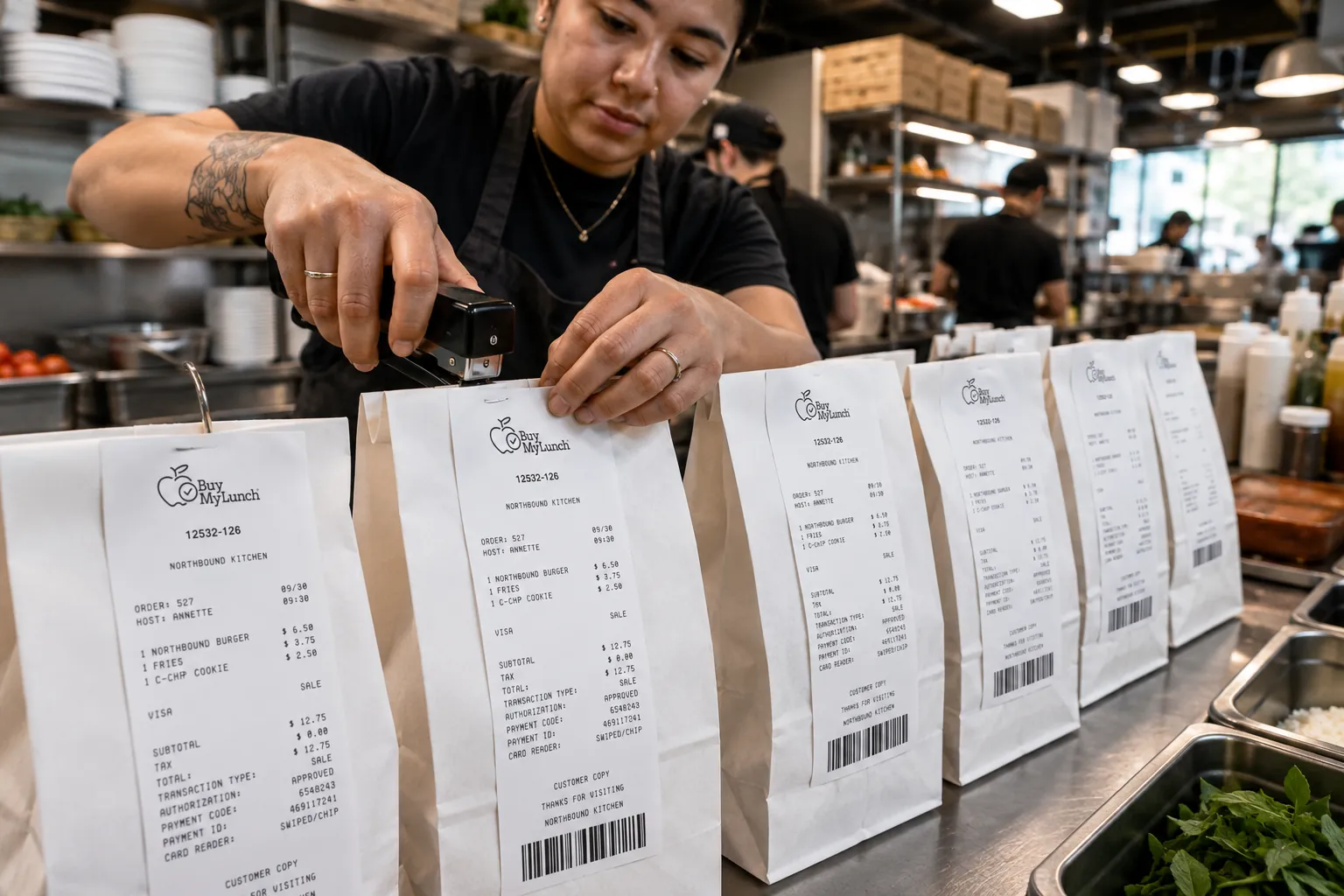
Start small enough to observe the whole path. Put up a real menu, place test orders from a family’s view, let the restaurant work from the final count, and walk the delivered meals through the school’s handoff routine. Watch where people pause. If the restaurant asks which orders are paid, the process is not yet giving them the right output. If the school cannot tell which meals are expected, the order data is not reaching the handoff. If a parent cannot tell what happens after a late cancellation, the rules are not visible enough.
Decide what success means before the first service day. It might mean every confirmed order appears once, every meal has a usable label, the restaurant has the count before prep begins, families understand the cutoff, and school staff know who to contact. That is a better launch scorecard than simply counting completed payments.
Do not confuse a payment integration with a substitute for the school’s own policies. Meal-program requirements, family data practices, local rules, and financial controls remain the school’s responsibility. The point of a connected lunch workflow is to make those rules easier to carry through the day, not to make them disappear behind a checkout screen.
How Buy My Lunch fits the workflow
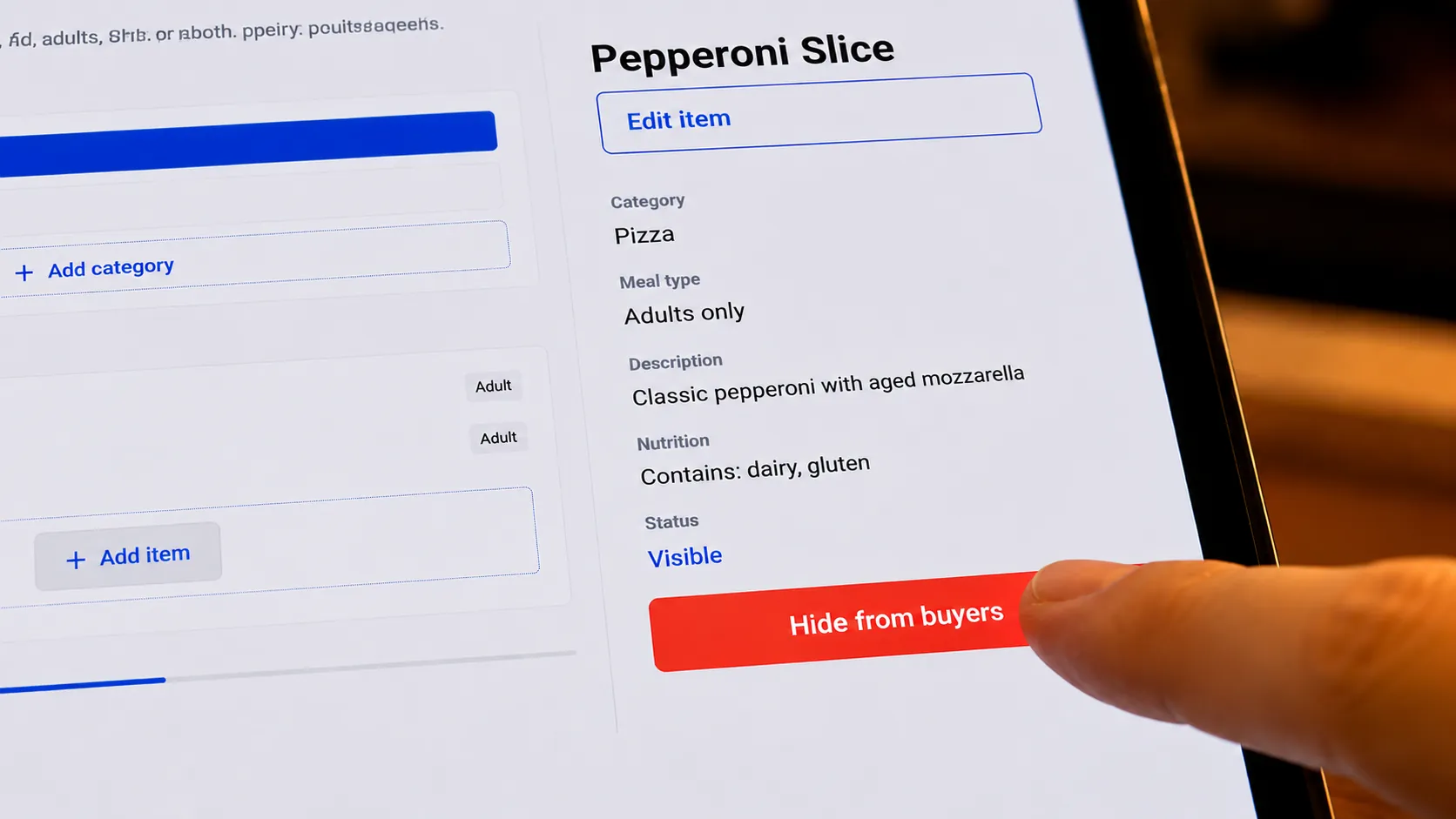
Buy My Lunch is built around the full school lunch handoff: school-specific menus, family ordering and payment, restaurant preparation counts, labels, delivery visibility, credits, and the school’s distribution plan. The platform helps each group work from the same lunch-day information instead of trying to match a payment report to a restaurant email and a paper roster.
Schools considering a restaurant-prepared program can explore the school FAQ for the practical setup questions, while families can use the parent ordering guide to understand what a clear order flow should feel like. The goal is simple: a family knows what they bought, a restaurant knows what to make, and the school is ready when lunch arrives.
Frequently asked questions
What is school lunch payment integration?
School lunch payment integration means the payment step is connected to the actual lunch workflow. A family can see the school-specific menu and cutoff, place an order, pay, and receive the information they need. The school and restaurant can then work from the same confirmed order details rather than reconciling separate lists.
What should families see before paying for school lunch?
Families should be able to see the meal, price, order deadline, delivery or distribution expectations, any applicable payment fee, and where to get help with a change, cancellation, credit, or refund. The school should also communicate any meal-program eligibility or payment alternatives that apply.
Can schools charge a fee for online school lunch payments?
The answer depends on the school’s program, payment method, and local requirements. Schools participating in the federal school meal programs have specific obligations around fee-free ways to pay for meals and communicating available payment methods. School teams should review current guidance with their nutrition and finance leaders before setting a family-facing payment policy.
How should a school handle a cancelled lunch order?
The school should decide the rule before launch: the cutoff for a change, who can authorize an exception, whether an eligible order becomes a credit or refund, and how the restaurant receives the update. The policy should be short enough for families to find before they pay and specific enough for staff to follow on a busy morning.
What does a restaurant need after a family pays?
A restaurant needs more than a successful payment. It needs the final item count, any school-approved order identifiers, the prep deadline, packaging notes, delivery destination, and a clear handoff contact. That is what turns a completed checkout into meals that can be made and distributed.
How does Buy My Lunch handle school lunch payments?
Buy My Lunch organizes parent ordering and payment alongside school-specific menus, restaurant preparation counts, labels, delivery details, credits, and school handoff steps. The goal is a lunch workflow that gives each participant the information they need without building a separate reconciliation project around every lunch day.