Find your school.
Add your student, choose their school, and see the lunch options available for their school day.
 Account
Choose a restaurant-made meal, order ahead, and send lunch to school without the morning scramble.
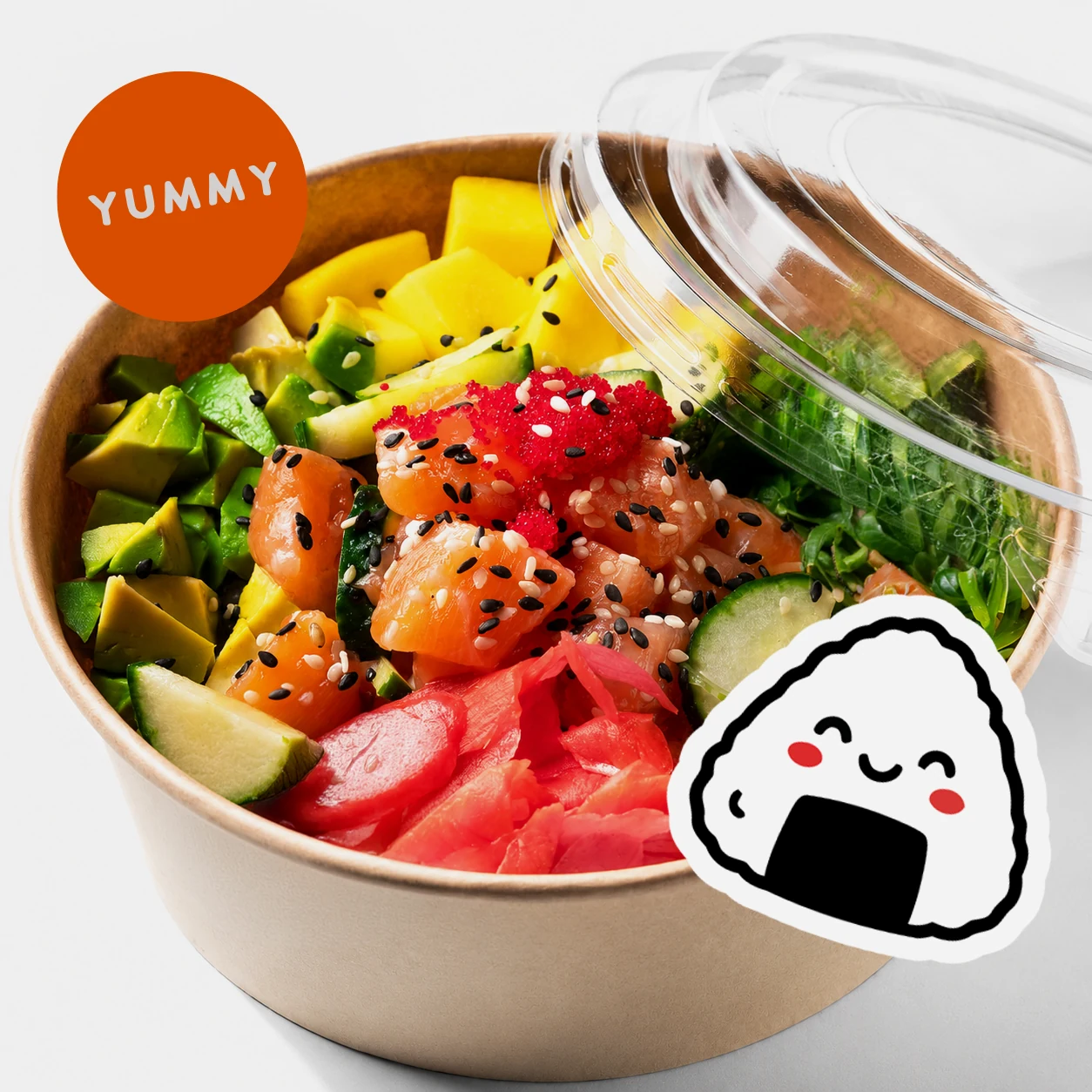
Lunch, handled
Add your student, choose their school, and see the lunch options available for their school day.
Browse the restaurant menu, pick a date, and place your order before the cutoff instead of settling the lunch question at 7 a.m.
Restaurant partners prepare to order. Meals arrive individually packaged and labeled for the school handoff.
More than checkout
The app keeps the order, restaurant, payment, student details, and school handoff connected. That means less guesswork for families and a clearer plan for everyone handling lunch after you place the order.
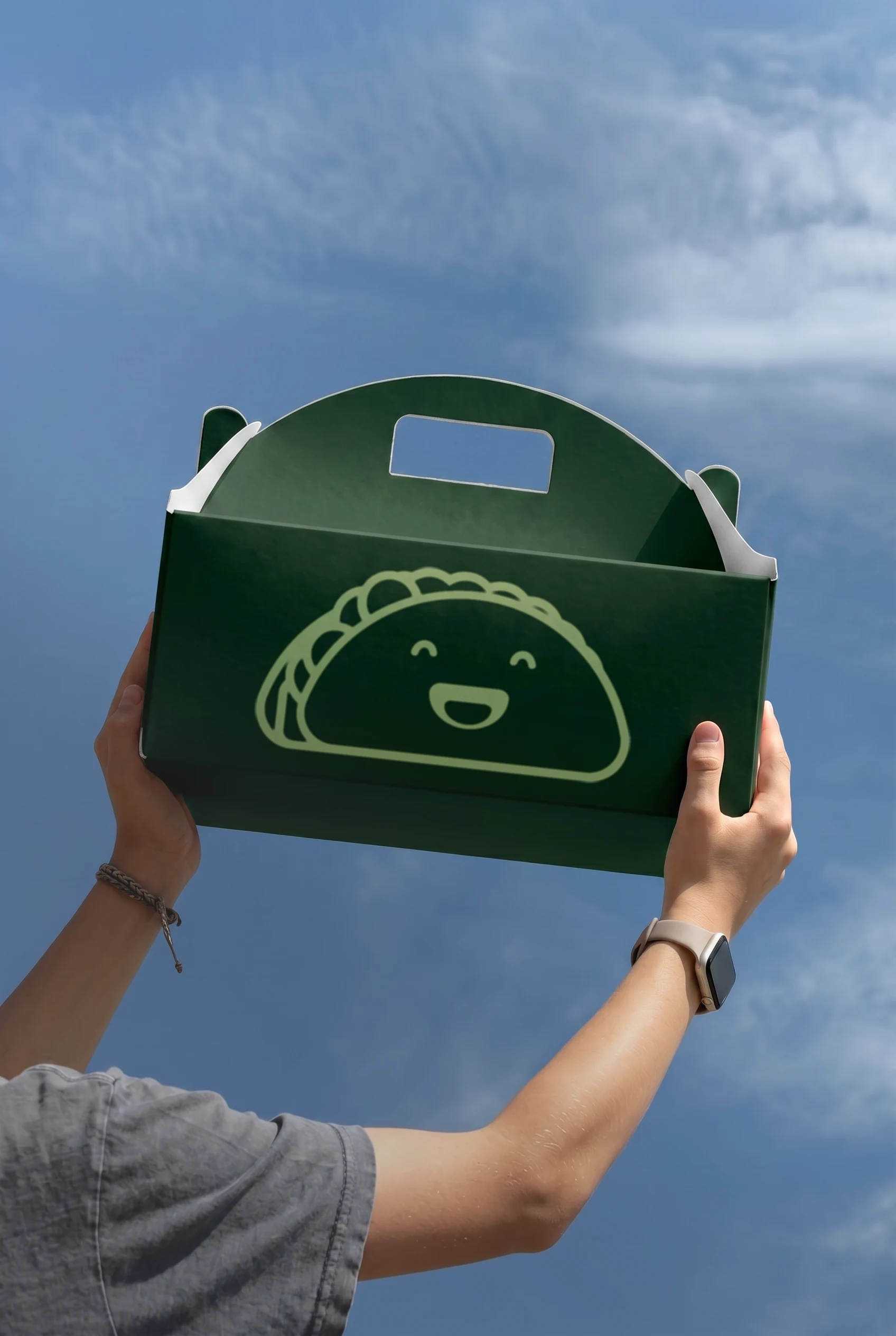
Open your Buy My Lunch account, add your student, select their school, choose a lunch date and restaurant, then place your order before the cutoff. The available options depend on your school's lunch schedule.
You can download the Buy My Lunch app from the App Store or Google Play. You can also open your Buy My Lunch account on the web.
Buy My Lunch works with participating schools. Ask your school office to contact the Buy My Lunch team if you would like to bring restaurant-made lunch to your school.
Restaurant partners prepare against real orders, package individual meals, and deliver on the school schedule. Each meal is labeled with the student's Buyer ID for school distribution.